PD Tracker - Parkinsons Symptom and medication tracker
File: software/PDTracker/app-release.apk
PDTracker:
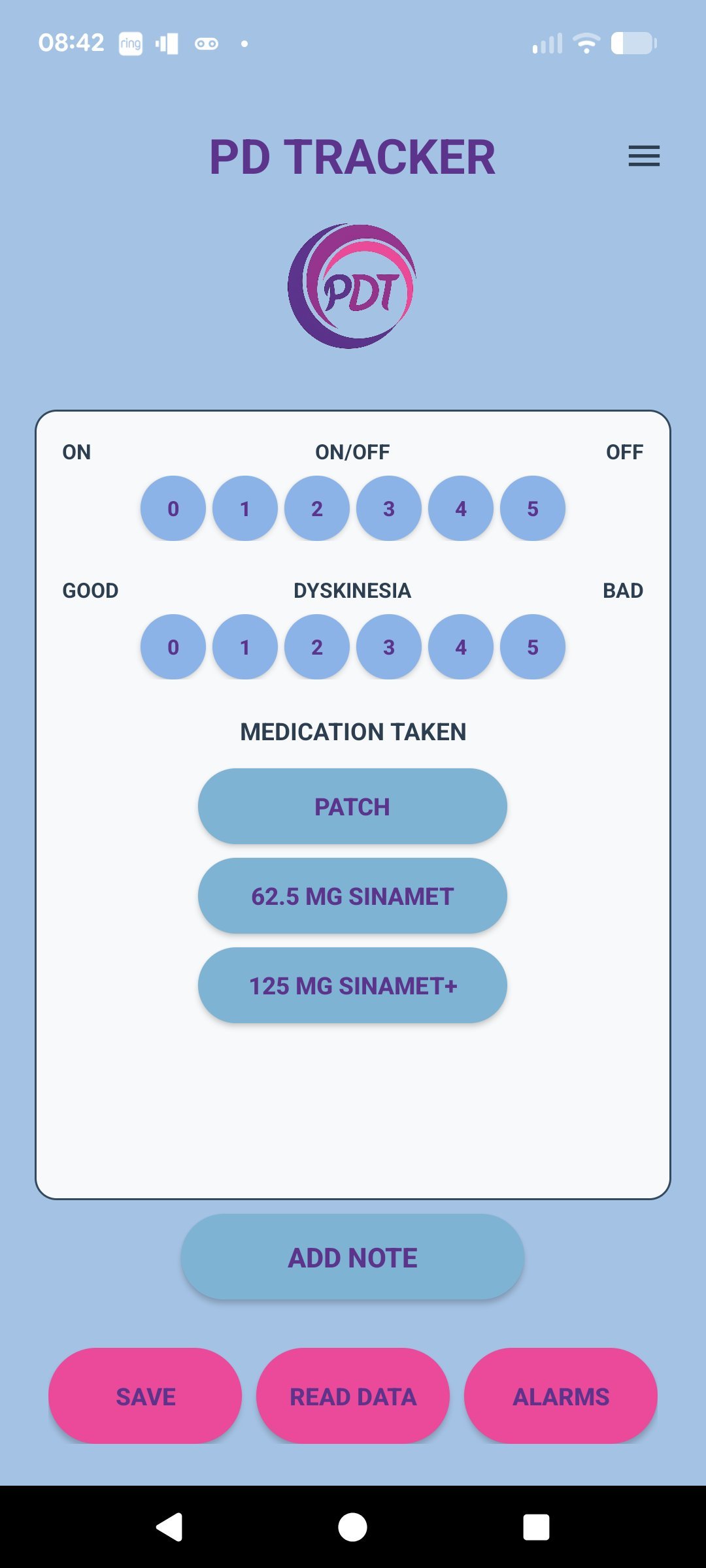
- Daily symptom tracking – lets users quickly log Parkinson’s symptoms (e.g., tremor, stiffness, slowness, sleep, mood) over time.
- Medication logging – records what medicine was taken, dosage, and time, so users can monitor treatment consistency.
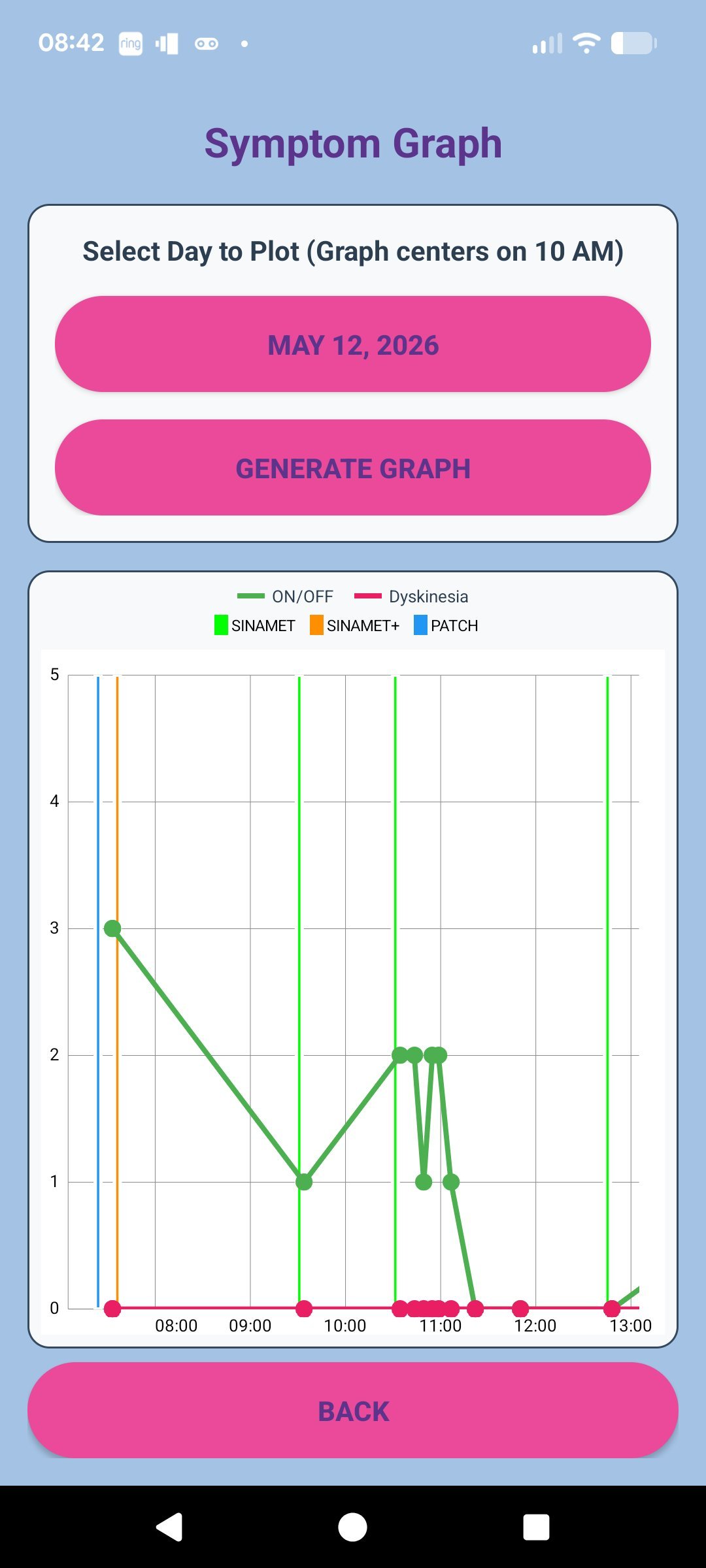
- Progress monitoring – shows trends and patterns so users can spot better/worse days and possible triggers.
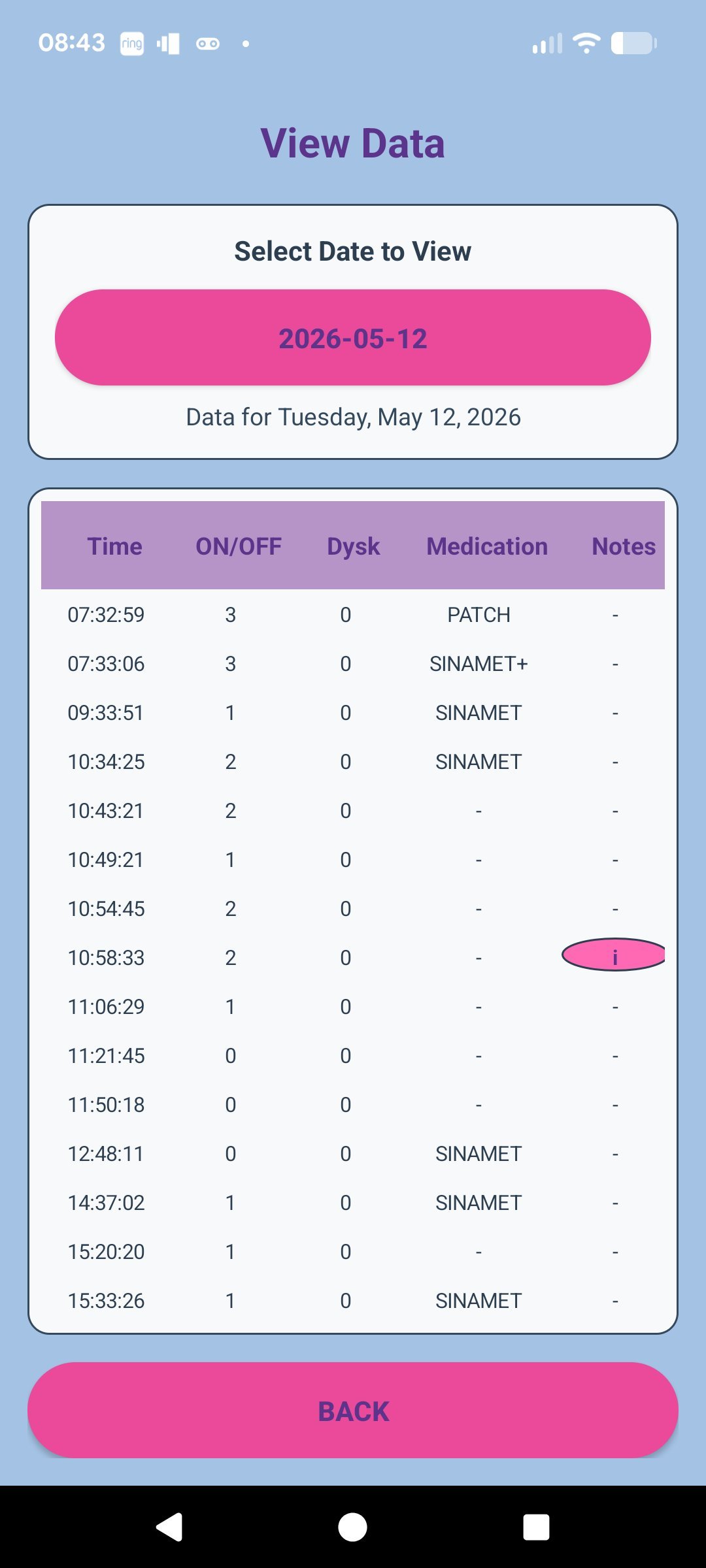
- Doctor-visit support – provides clear history that can be shared during appointments for better clinical decisions.
- Routine support – encourages regular self-monitoring, helping users and caregivers stay organized.
- Caregiver-friendly use – can be used by family/caregivers to help track daily health and treatment adherence.
- Simple mobile access – designed for phone use, so updates can be entered anywhere, anytime.
- Personalized care insights – helps users understand how symptoms relate to medication timing, sleep, stress, or activity.
Main Uses
- Track day-to-day Parkinson’s condition changes
- Keep medication schedules and logs accurate
- Prepare better for neurology follow-ups
- Support long-term disease management decisions
How to Install the APK on an Android Phone
-
Download the APK file
- Open the download link on your Android phone and save the .apk file.
- If you downloaded it on a computer, copy it to your phone (USB cable, Google Drive, email, etc.).
-
Allow app installs from unknown sources (one-time permission)
- When you tap the APK, Android may block it at first.
- Tap Settings on the warning screen, then enable Allow from this source (or similar wording like Install unknown apps).
- Go back to continue installation.
-
Install the app
- Open the APK file (usually in Downloads or your Files app).
- Tap Install.
- Wait a few seconds for Android to finish.
-
Open the app
- Tap Open when installation is complete, or find the app icon in your app drawer.
If installation fails
- “App not installed”: remove any older version first, then reinstall.
- “Blocked for security”: re-check the Allow from this source setting.
- Wrong Android version: make sure your phone meets the app’s minimum Android version.
- Corrupt file: delete and re-download the APK.
Screenshots